Forge of Empires City Planner
A free, automatic city planner for Forge of Empires. Import your city and the Planner rearranges your buildings from scratch, looking for the layout with the fewest roads, so more of your city is left for buildings.
📐 Before and after
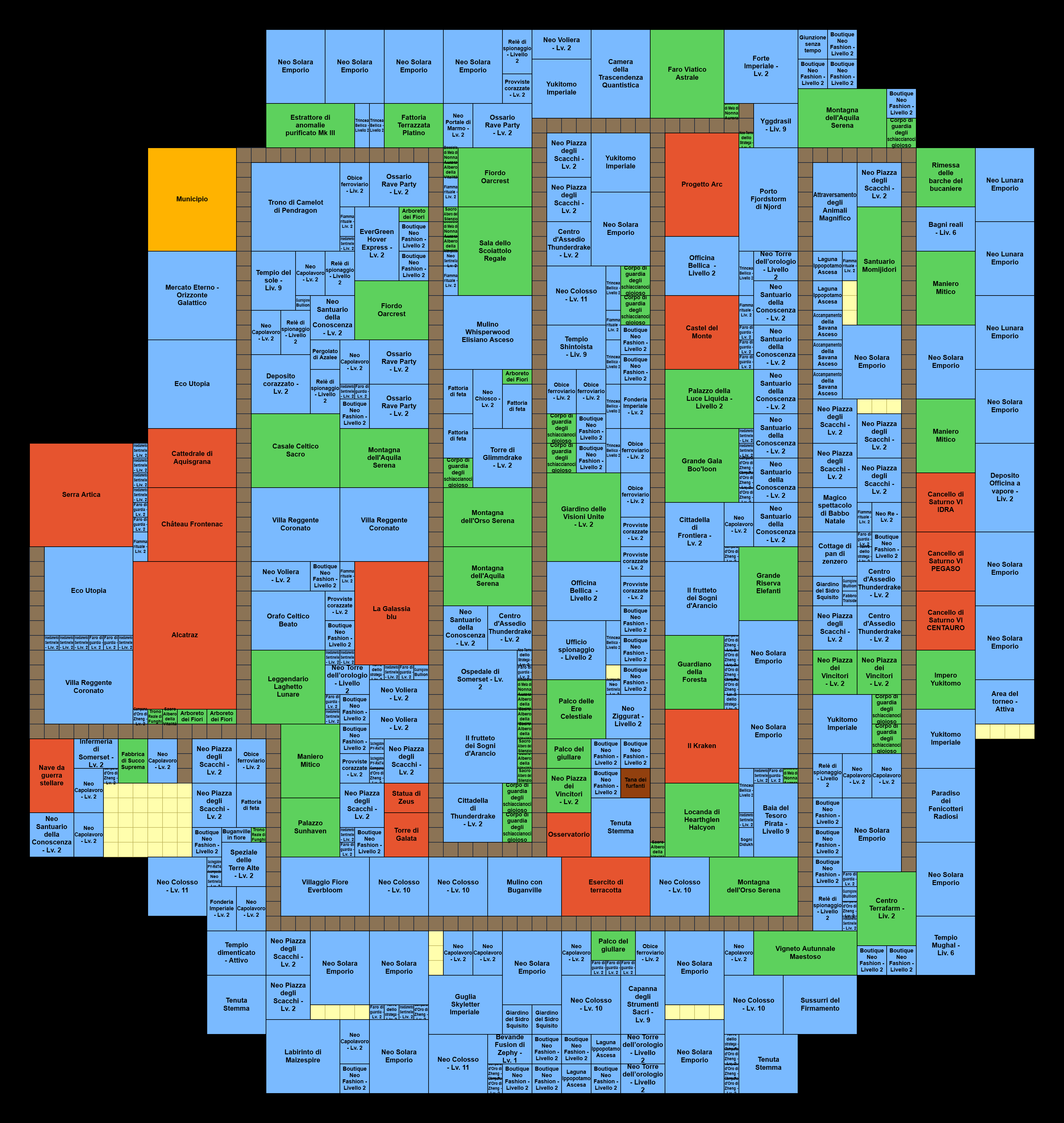
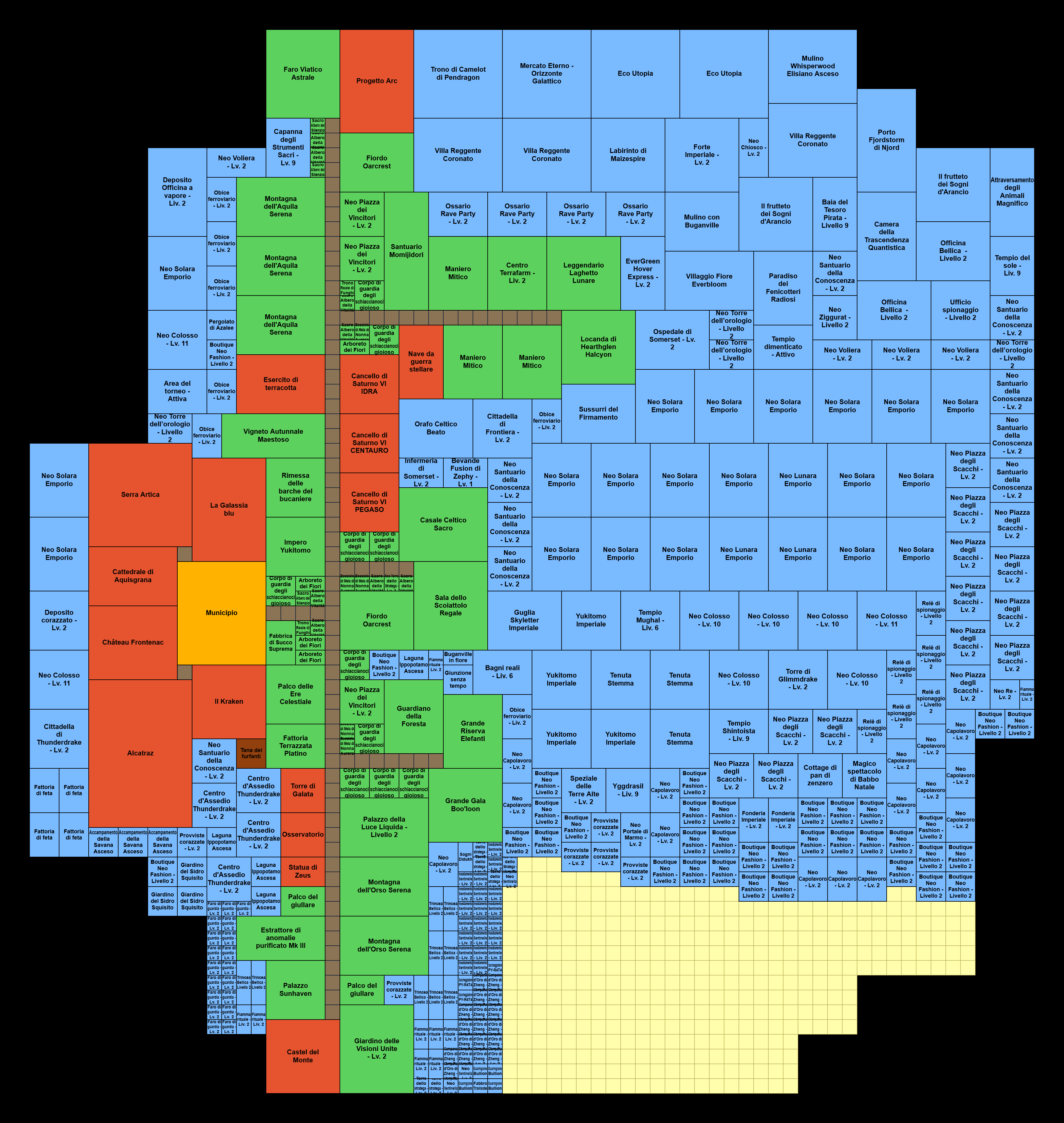
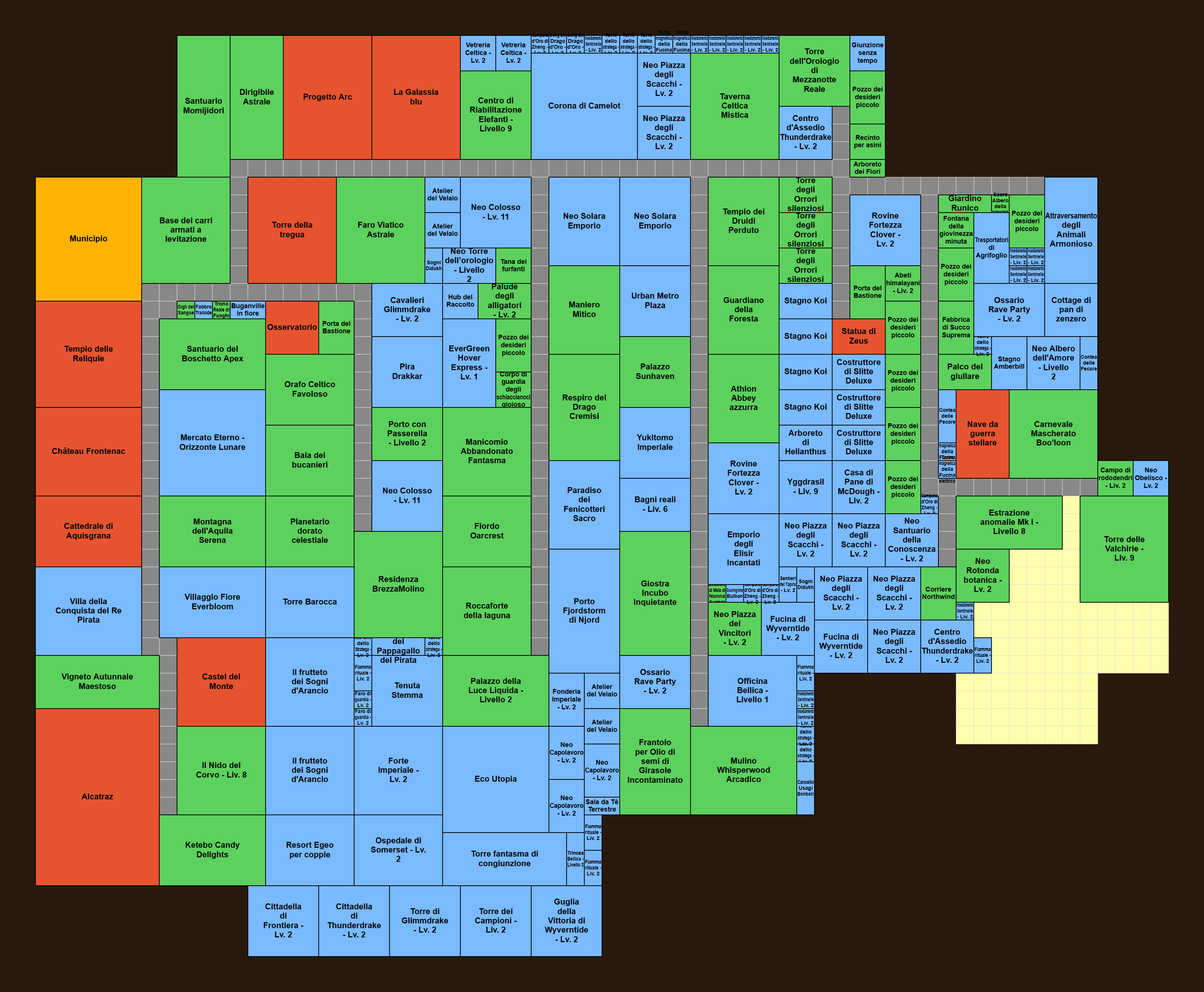
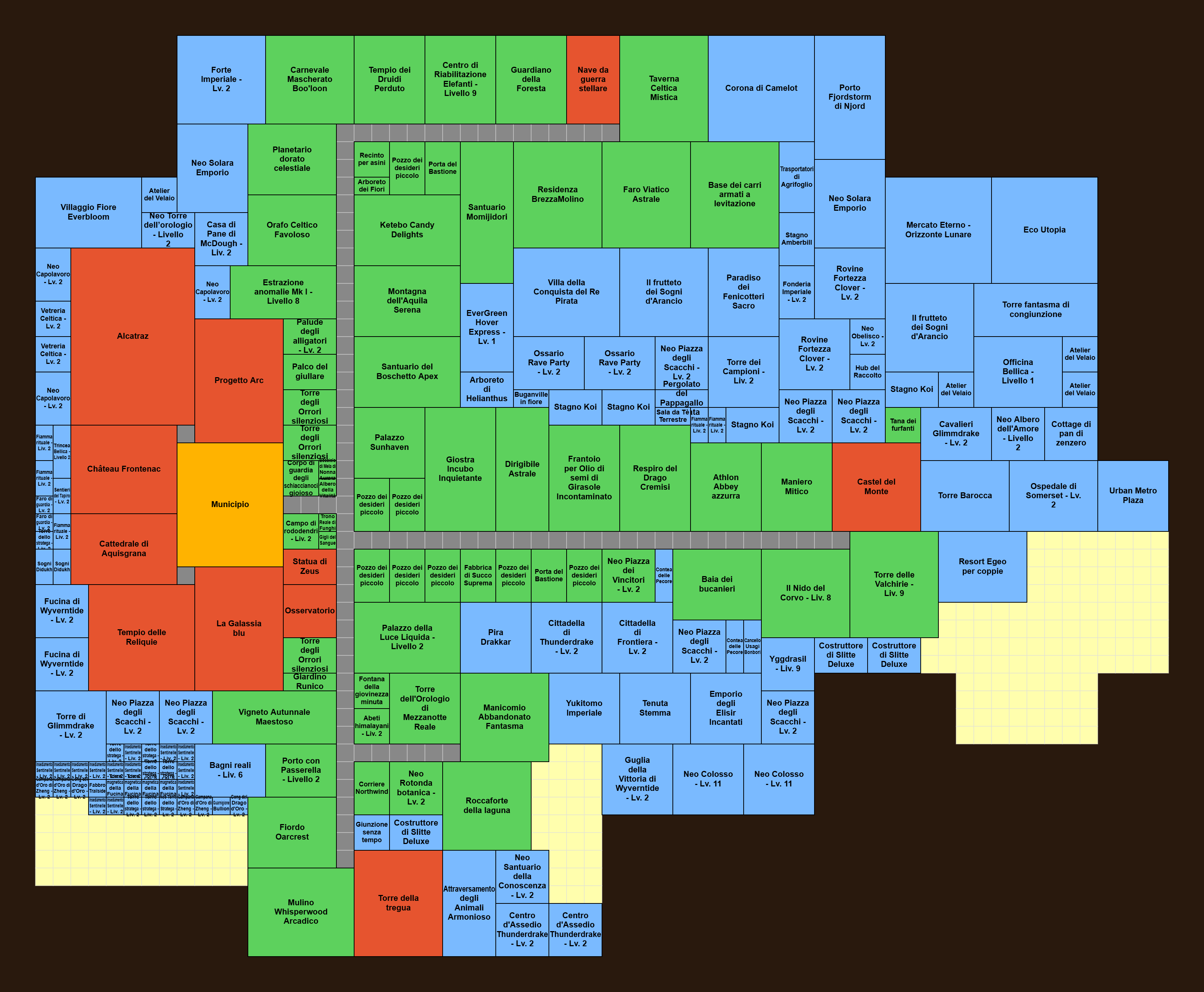
Two real cities, before and after the Planner. Same buildings: the road tiles saved become free space (in yellow). Click a map to see it full size.
Example 1
Example 2
🗺️ Why use it
Roads produce nothing. Every road tile you save is space for another building.
Fewer roads
The Planner searches for the arrangement that connects every building with as few road tiles as possible, and shows you how many you save.
Several layouts at once
It explores several scenarios in parallel (Connector 3, 4 and 5, Pinwheel, Pinwheel 2 and your Current layout), each with its own map and stats.
Two-lane roads
Buildings that need two-lane roads are connected to 2×2 roads.
Chains kept together
Statue of Honor and Victory Roads, trains, Hippodrome: each chain stays together as one block.
Smart about military buildings
With Alcatraz or the Star Warship, military buildings don't need a road: you choose which ones to connect anyway.
Edit before and after
Remove buildings or add new ones from your inventory or the database before optimizing; fine-tune the result in the built-in editor.
PNG and JSON export
Download the solution as an image to follow while you rebuild, or as a JSON file to share.
Private
Everything runs in your browser: no account, no server, your city stays on your computer.
🧭 How it works
-
Import your city
With the FoE Optimizer bookmark and FoE Helper or Forge Hammer, or by loading a JSON file (FoE Optimizer, FoE Helper or Forge Hammer export).
-
Optimize
Open the Planner tab and press Optimize: the search starts on every scenario and improves as it goes.
-
Pause and smooth
When the numbers stop improving, pause. Smooth (optional) reduces corners and gaps so small buildings fit better.
-
Complete
The Planner places the buildings that don't need a road and finishes every map.
-
Rebuild in the game
Pick the layout you like, adjust it in the editor if needed, download the PNG and rearrange your city in Forge of Empires.
🎬 Video tutorial
The Planner explained step by step (video in Italian).
❓ Frequently asked questions
Is the Forge of Empires city planner free?
Yes, completely: no account, no subscription, no limits, no ads.
Does it move the buildings in my game?
No. FoE Optimizer never touches your game: it shows you a better layout, and you rebuild it in Forge of Empires yourself, following the map or the PNG.
What do I need to import my city?
A desktop browser with FoE Helper or Forge Hammer and the FoE Optimizer bookmark, or a JSON export of the city from FoE Optimizer, FoE Helper or Forge Hammer.
Does it handle two-lane roads, chains and sets?
Two-lane roads and chains (Statue of Honor, trains, Hippodrome) yes. Building sets with adjacency bonuses are not handled: the Planner flags them in the statistics.
How long does it take?
It depends on the size of the city and on your computer. The search runs on several scenarios in parallel and keeps improving: pause it when the numbers stop changing.
Is my data safe?
Yes. Everything is processed and saved only in your browser; no server receives your city.
Ready to free up space in your city? Import it and let the Planner do the work.